
01 · Skin
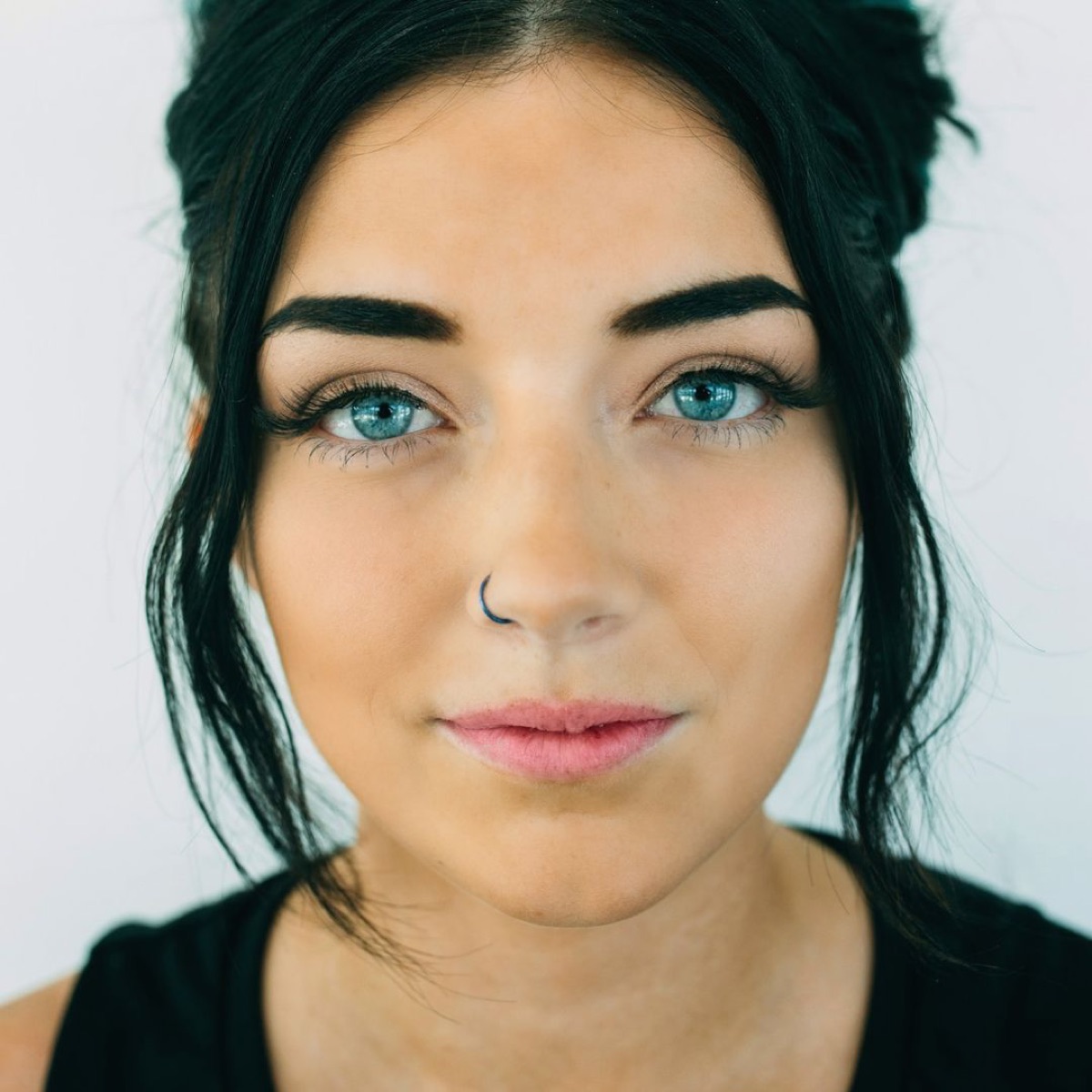
Skin, rested — not plastic
Smooth, brighten, fade blemishes. Your texture stays.
MeiYan gives every selfie your best-day light: soft skin, bright eyes, a gentle V-line and a lip shade that suits you. Every edit happens on your iPhone, and your photos never leave it.
iPhone now · Android coming soon · 16 languages · free credits to start

 BeforeAfter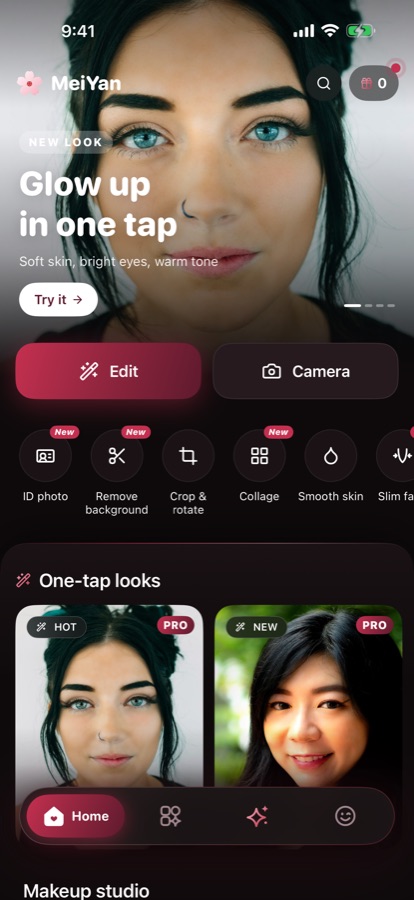
The edit
Seven tools, each starting subtle. Move a slider as far as you like, or leave it.
Smooth, brighten, fade blemishes. Your texture stays.
Face, jaw, chin and nose, one gentle slider each.
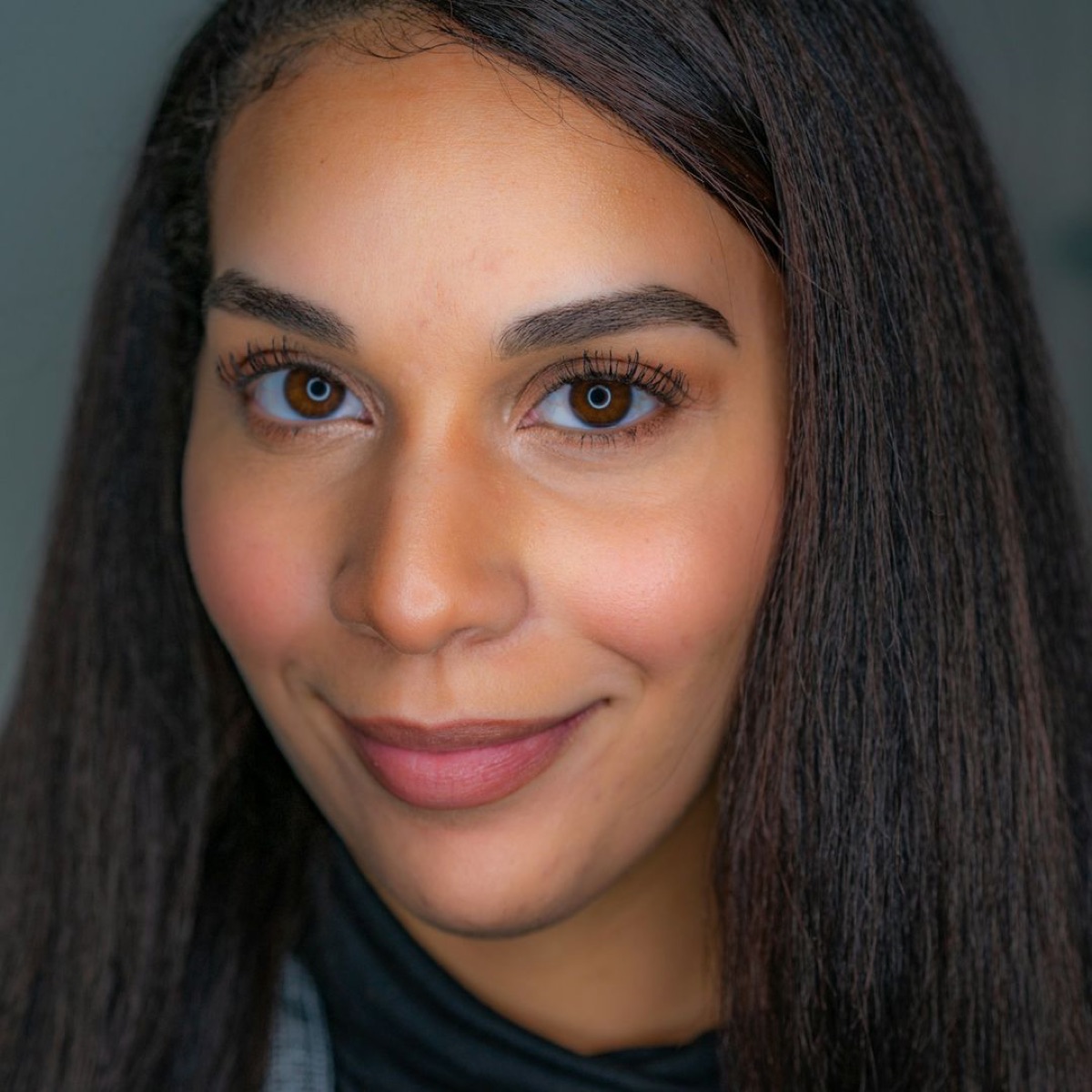
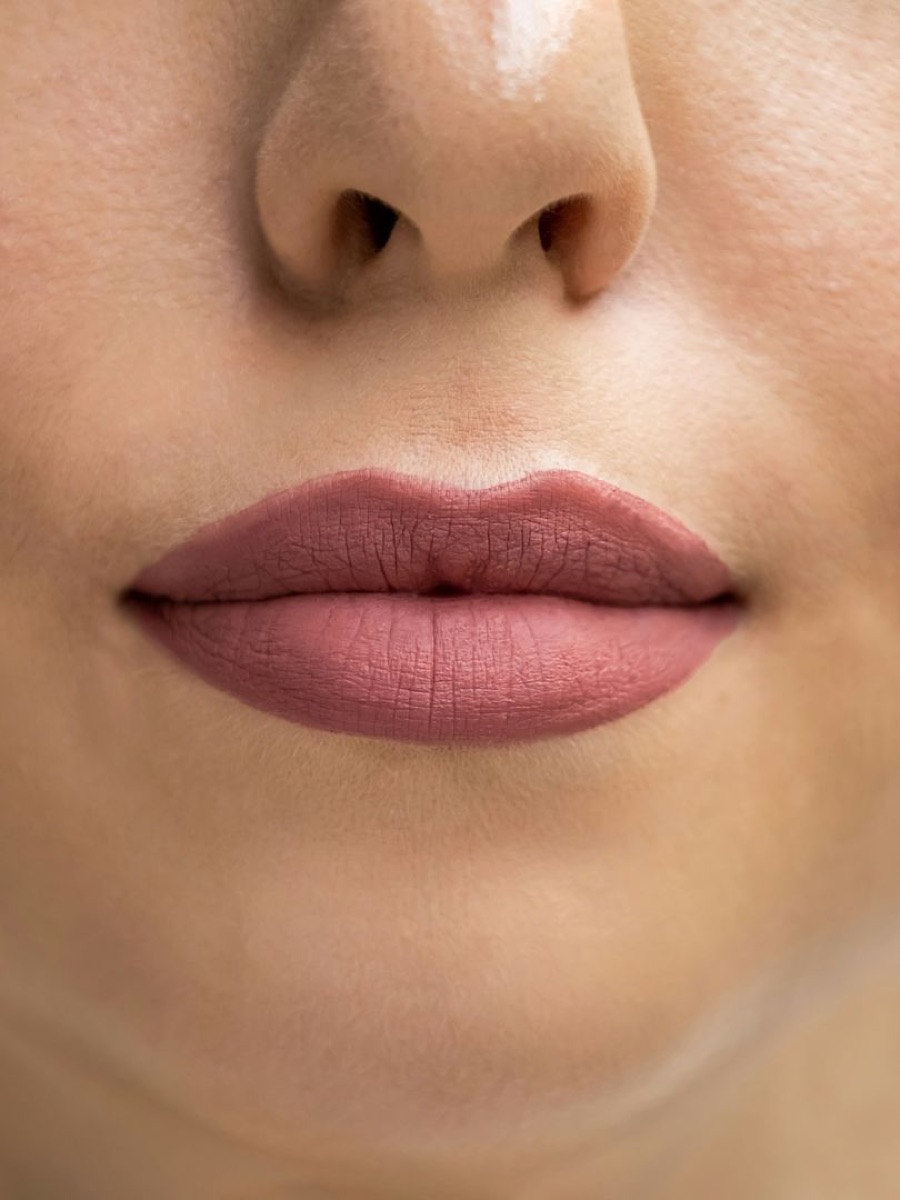
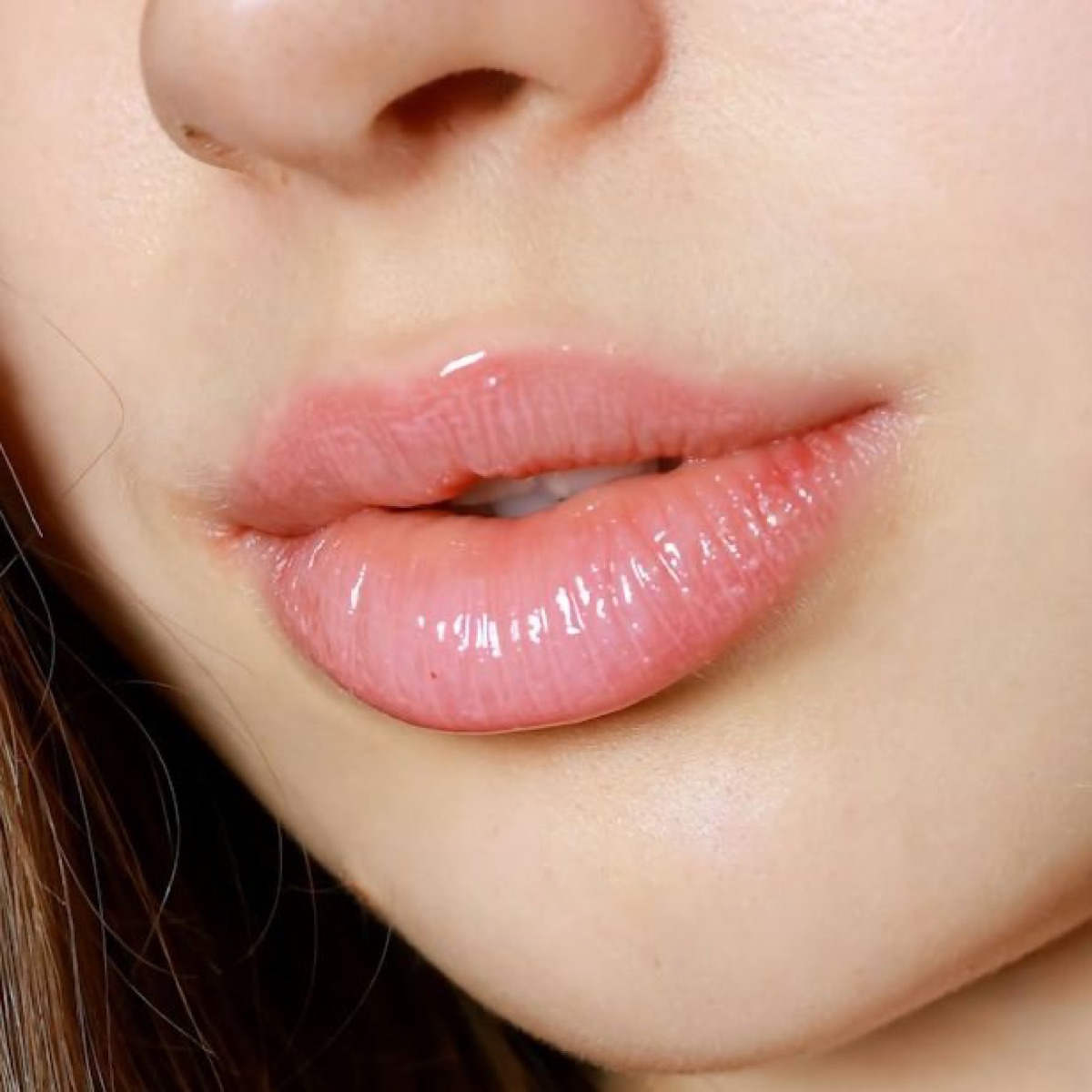
Lips, blush, shadow, brows and lenses, placed on you.
Glow, Clean Girl, Latte, Peach Blossom and more.
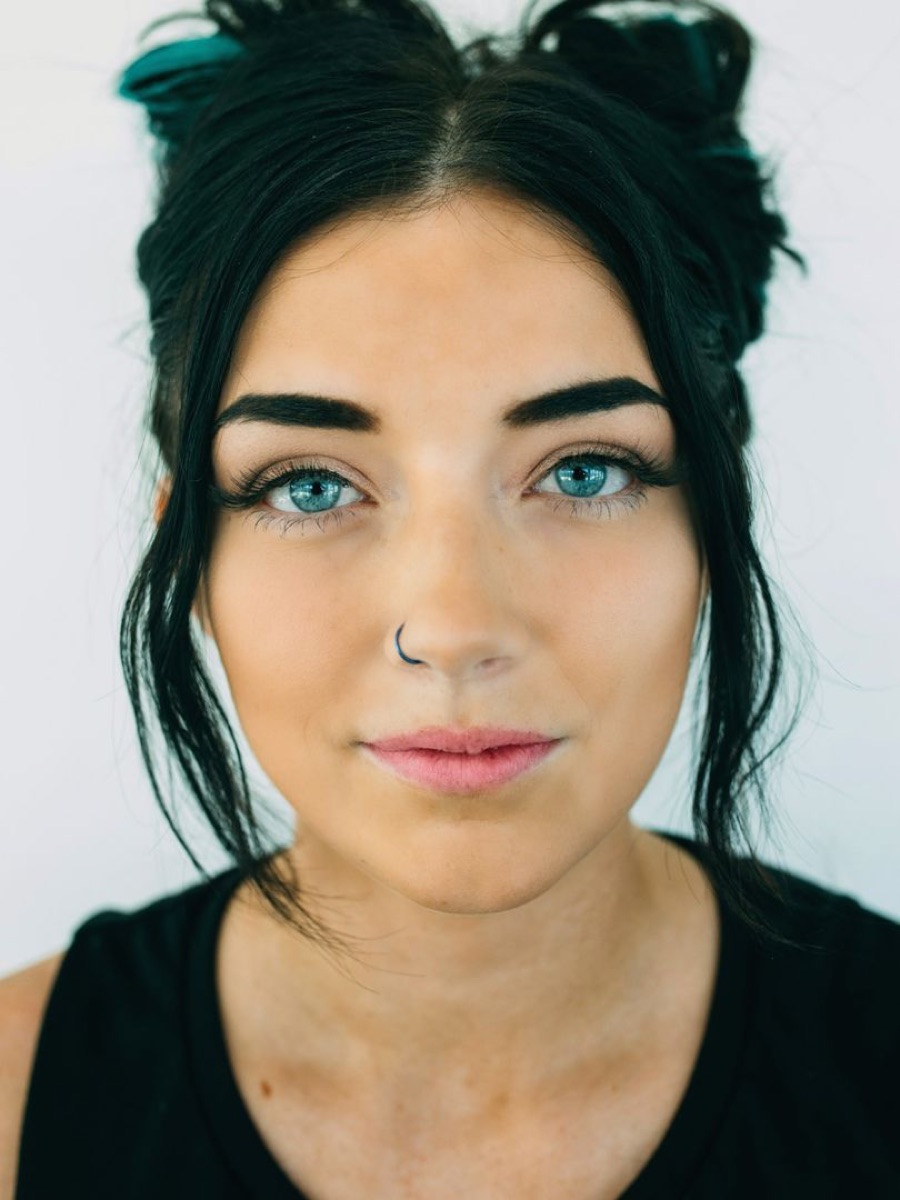 Glow
Glow3×4, 4×6, 35×45 on a plain backdrop, print-ready.
Two to nine photos, one frame.
Type “slim my face”. It opens the right tool.
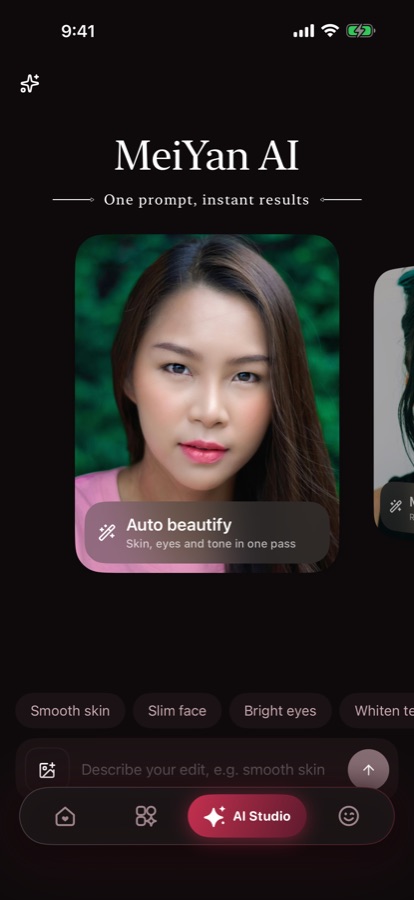
Inside the app
Edit or shoot, pick up a draft, try a look.
Say what you want; it opens the tool.
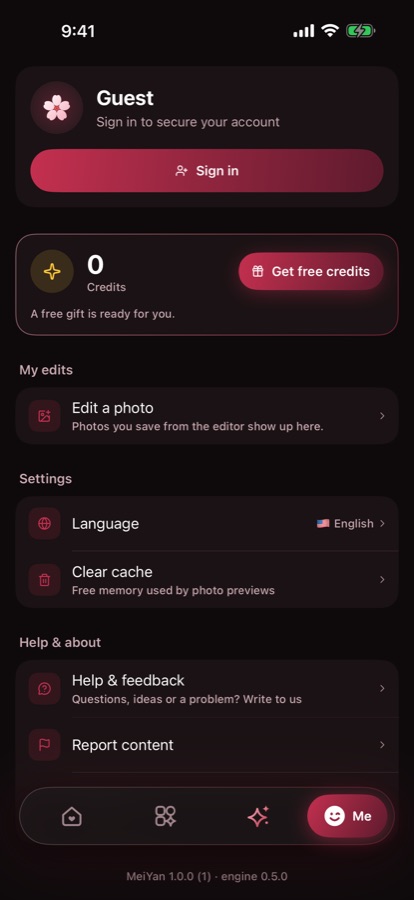
Your edits, credits and settings.
Looks
Each is a real MeiYan look: one tap applies it, any slider adjusts it.
The “slept eight hours” look: soft skin, bright eyes, warm light.
Barely there. Even tone, rested eyes, that's all.
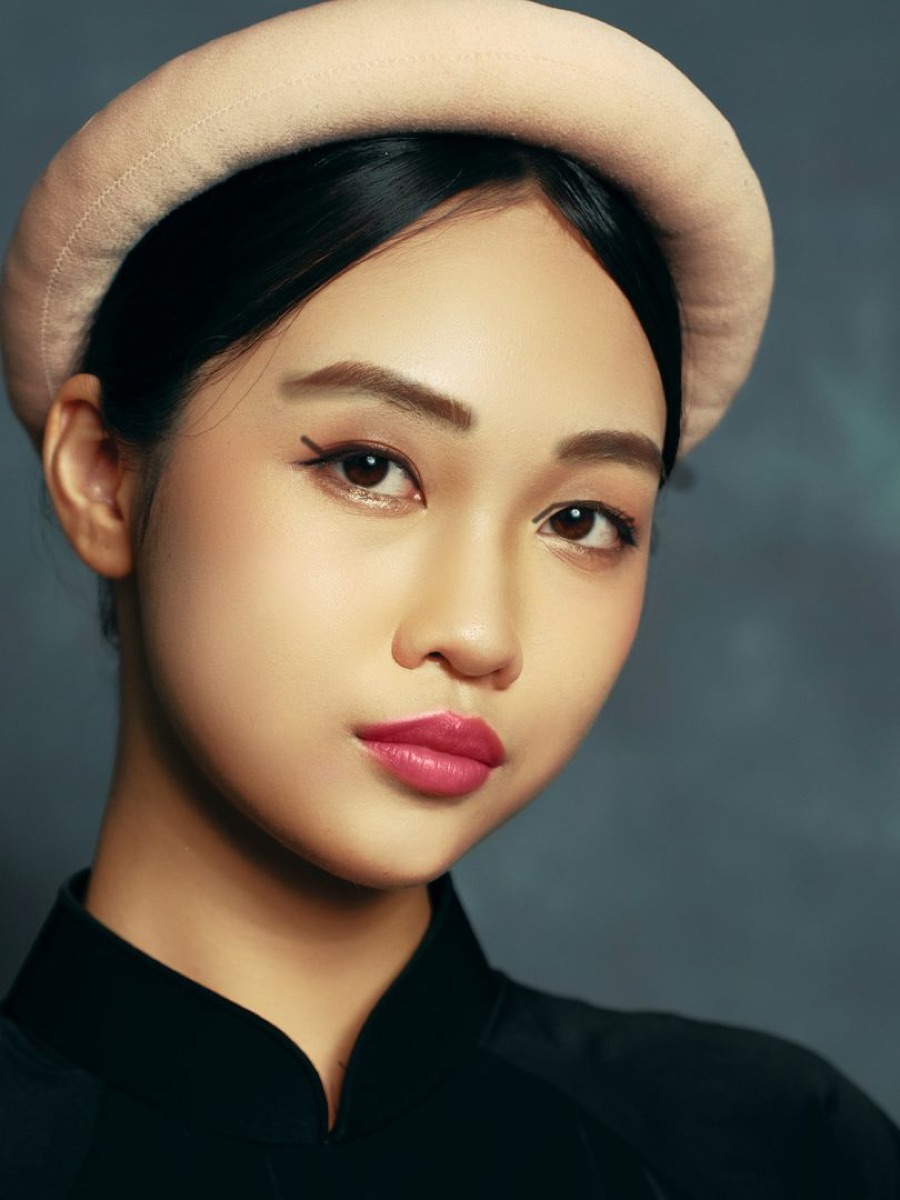
Rosy lips, flushed cheeks, a touch of colour.
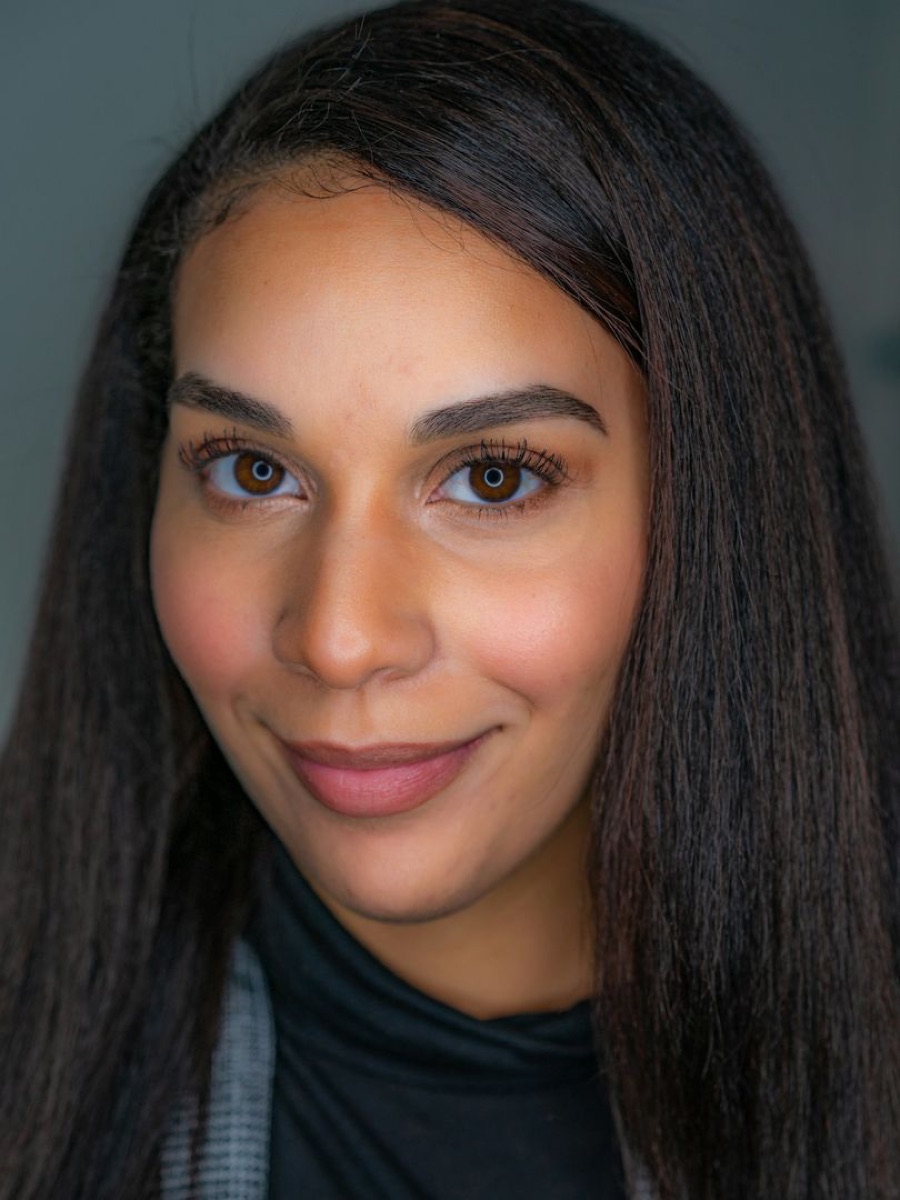
Light contour and a natural V-line.
Privacy
Every edit — skin, reshape, makeup, background removal — runs on your iPhone's own chip. There is no server that sees your selfies, so they can't be lost, sold or used to train anything.
The fine print, written for people: Privacy Policy · Terms of Use
How it works
Open the selfie camera, or choose a photo from your library.
Tap a look, or fine-tune skin, shape and makeup. Undo is always one tap away.
Export in full quality to Photos. Unfinished edits wait in My edits.
Questions
Yes. Download MeiYan and edit as much as you like. Pro looks and tools can be tried a few times, then unlocked on a photo with credits, which come from the welcome gift and the daily check-in.
No. All editing happens on your iPhone. Your photos, and the face points MeiYan finds to place makeup and reshape, never leave the device and are never sent to us.
No. Signing in is optional and keeps your account and gifts in one place. You can delete your account any time from Me › Account & security.
Not unless you want them to. Every tool starts subtle and has a slider, so you decide how much. The goal is you on a good day.
MeiYan sizes, crops and clears the background for common ID formats. Official rules differ by country, so check them first and don't use beauty or reshape tools where they aren't allowed.
Write to [email protected] or tap Help & feedback in the app. We read everything.
On iPhone now, Android coming soon. Your photos stay yours.